

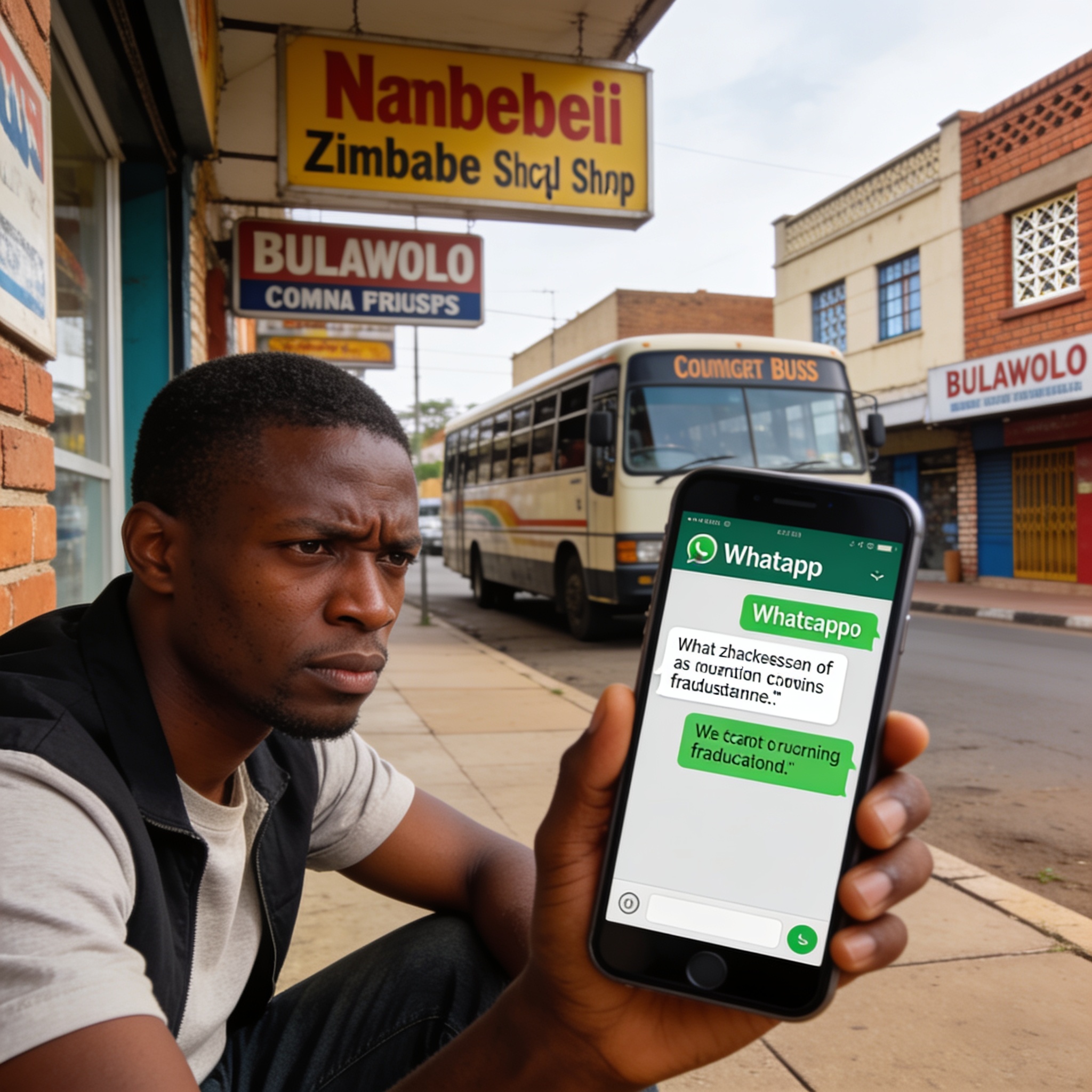
Econet Wireless Zimbabwe has told its subscribers to harden the security settings on their WhatsApp accounts, warning that account hijackings and social engineering fraud are increasingly aimed at mobile users across the country.
The network operator said customers should activate WhatsApp Passkeys and two-step verification, describing the measures as a second lock on a service that many Zimbabweans now rely on for everything from family conversations to business transactions and money requests.
Econet said the extra layer matters because it gives a subscriber a way back into their own account if a fraudster tries to seize it — and makes it significantly harder for a criminal who has obtained a verification code to complete a takeover.
Why WhatsApp accounts are being targeted
WhatsApp is one of the most widely used channels for day-to-day communication in Zimbabwe, carrying orders for small traders, church and community groups, school notices and informal lending arrangements. That reach is exactly what makes it attractive to criminals.
Once an account is stolen, a fraudster can pose as its owner, message contacts asking for urgent loans, harvest personal details or spread malicious links to a fresh pool of victims who trust the sender. Much of this relies on persuasion rather than technical skill, which is why security professionals describe the tactics as social engineering.
The steps Econet is asking customers to take
- Turn on Passkeys and two-step verification, setting a six-digit PIN and a recovery email address.
- Never disclose verification codes or PINs to anyone, regardless of who they claim to be.
- Check the list of linked devices regularly and remove any that are unfamiliar.
- Keep the app updated so that the latest security fixes are installed.
- Review call forwarding settings and disable any forwarding that was not set up by you.
- Do not dial unverified codes beginning with an asterisk, including strings starting with **.
- Avoid scanning QR codes or pairing codes displayed on unknown websites or screens.
- Log out of WhatsApp Web sessions that are no longer in use.
The operator has been pushing the guidance through its social media pages, its website and bulk SMS messages, part of an effort to reach customers who may not follow official advisories closely.
How the scams usually unfold
Fraudsters frequently manufacture a sense of urgency. A message may claim that a delivery is waiting, that an account is about to be closed, or that a relative is in trouble and needs money immediately. Others impersonate technical support and ask the recipient to read out a code that has just arrived by SMS — the very code needed to complete an account takeover.
A second common tactic involves cloning a contact’s profile picture and name, then messaging that person’s friends from a new number to request a quick transfer.
Econet’s advice is to slow down. Before sending money, sharing account details or handing over a code, confirm the request by phoning the person on a number already saved in your contacts — not on the number that sent the message.
Treat the PIN like a bank card PIN
The advisory reflects a wider shift in how mobile fraud is fought in Zimbabwe. Rather than breaking encryption, criminals increasingly talk their way past account holders, exploiting trust and habit.
Security specialists recommend treating a WhatsApp PIN the way one would treat a bank card PIN, and being equally guarded about one-time codes received by text message, since those codes are the final gatekeeper on most accounts.
Customers whose accounts are compromised are urged to act quickly: re-register the number, warn contacts about messages sent from the hijacked profile, and report the incident to the operator so that the account can be recovered and any suspicious activity flagged.